
For TikTok LIVE agencies and teams
Get new hosts ready to sell, faster.
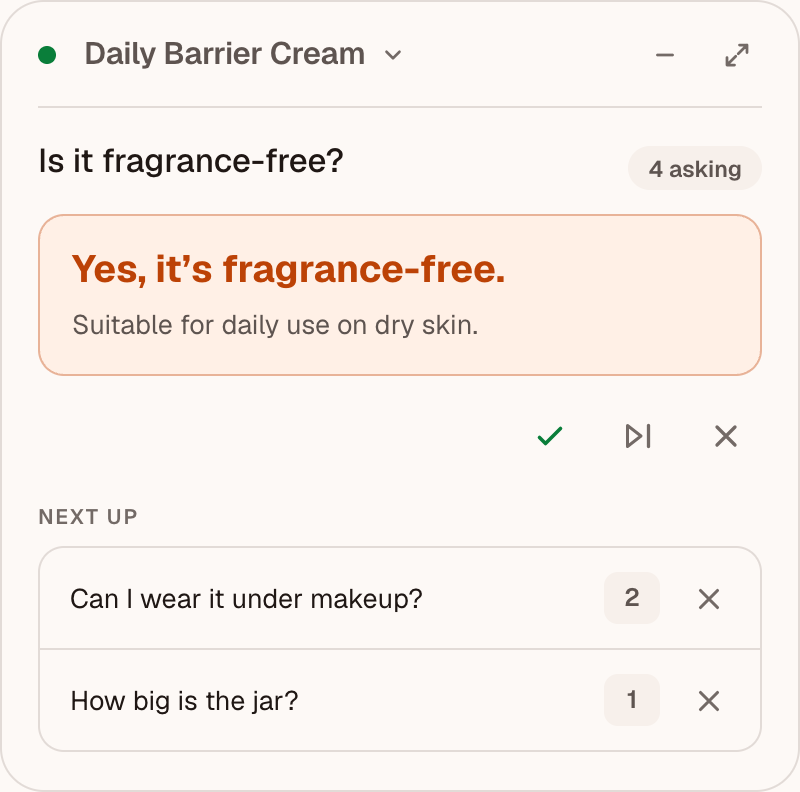
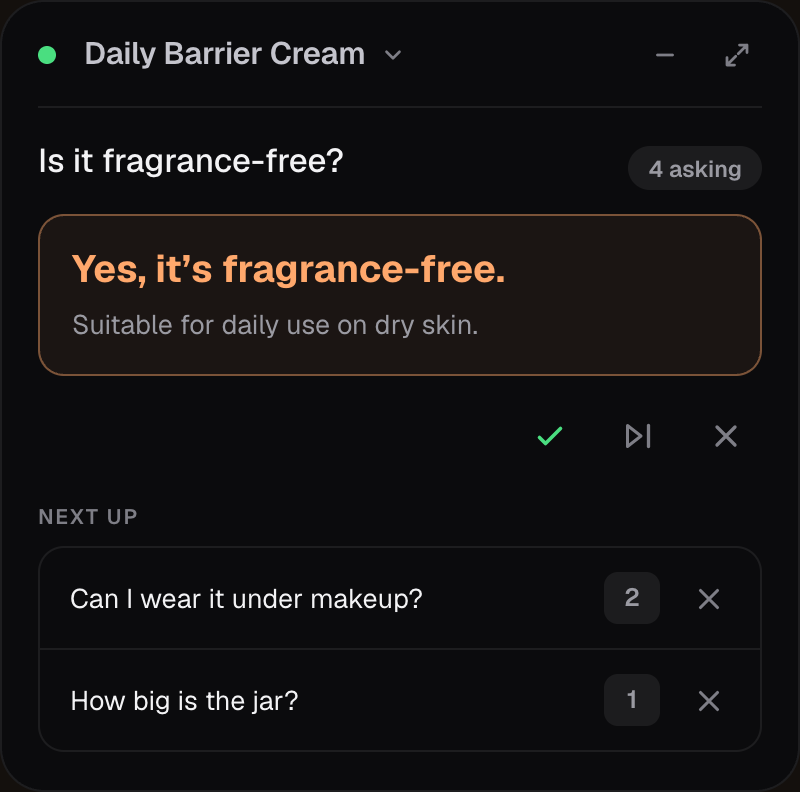
Give new hosts product knowledge while they’re LIVE, without expecting them to memorize every detail first. Your AI copilot helps answer viewer questions while your team sees where more preparation is needed.
Before, during, after
Prepare faster. Support hosts LIVE. Improve every session.
From a host’s first LIVE to an experienced team’s next product launch, keep your product knowledge close at hand.
Prepare the product knowledge
Review product facts, FAQs and approved claims once. Hosts practice with replayed viewer questions before their first LIVE.
Support every host LIVE
Surface approved answers and upcoming questions so hosts can keep presenting. Missing information is flagged for follow-up, and so are claims on your do-not-say list.
Make the next session stronger
Review gaps and corrections after the LIVE. Your team updates the product brief and approves better answers for the next session.
Want to see it with one of your brands?
Request a guided demoFor the people supporting the LIVE
See where your hosts
need support.
Follow every host’s LIVE from one screen, in the studio or remote. Push an approved answer or a short cue when a host needs help, then review unanswered questions afterward to improve product briefs, FAQs and approved answers.


Example team and simulated session data.Updates every five seconds.
Open full team view (new tab)Open full team view (new tab)
A guided first step
Start with one brand.
Bring your first team.
Bring two products and two to three hosts. We’ll help prepare their product guidance and work through a first LIVE together, so you can evaluate the support your team needs.
- 30-day paid founding pilot
- One brand · Two products
- Two to three trial hosts
- Mac and Chrome setup assistance
Access is invite-only. We’ll discuss fit and share pricing on an intro call before anything is agreed. Today the pilot runs on Mac and TikTok LIVE, starting with beauty and skincare.
Already invited? Sign inWhat does it cost?
The guided trial is a paid 30-day founding pilot. We share pricing on an intro call, and nothing is agreed until you have seen the terms and decided it fits.
What are the limits today?
The founding pilot runs on macOS and TikTok LIVE only, with beauty and skincare brands first. There is no Windows version yet. Viewer comments reach the app through a Chrome extension and an open TikTok Seller LIVE Manager tab. A person reviews every suggestion before it is spoken. Copilot does not guarantee accuracy, and we do not promise sales results. Early teams are helping us measure what it changes.
Who is it for?
Agencies and teams onboarding new TikTok LIVE hosts and supporting experienced hosts as products change. The guided trial starts with one brand, two products and two to three hosts. We discuss fit before offering access.
What setup do hosts need?
A supported Apple Silicon or Intel Mac, a microphone and Chrome with our private TikTok Seller LIVE extension. We help invited teams install and pair it. See download requirements.
What do hosts see during LIVE?
Product guidance in a small overlay alongside their LIVE workspace. The host decides what to say; Copilot does not replace training or guarantee accuracy. Sales reporting stays in TikTok Partner Center.
What if the product information is missing?
Copilot flags missing information for follow-up. Check with your operator before making an unconfirmed claim. Your team reviews updates, publishes a new LIVE Kit and resyncs the assigned desktops.
What is processed or stored?
The Mac app processes the permitted microphone, and the paired extension supplies viewer comments. Durable session memory uses structured references and counts. Account details, product information and assignments are retained for the trial. See the Privacy Policy for live processing and service records.